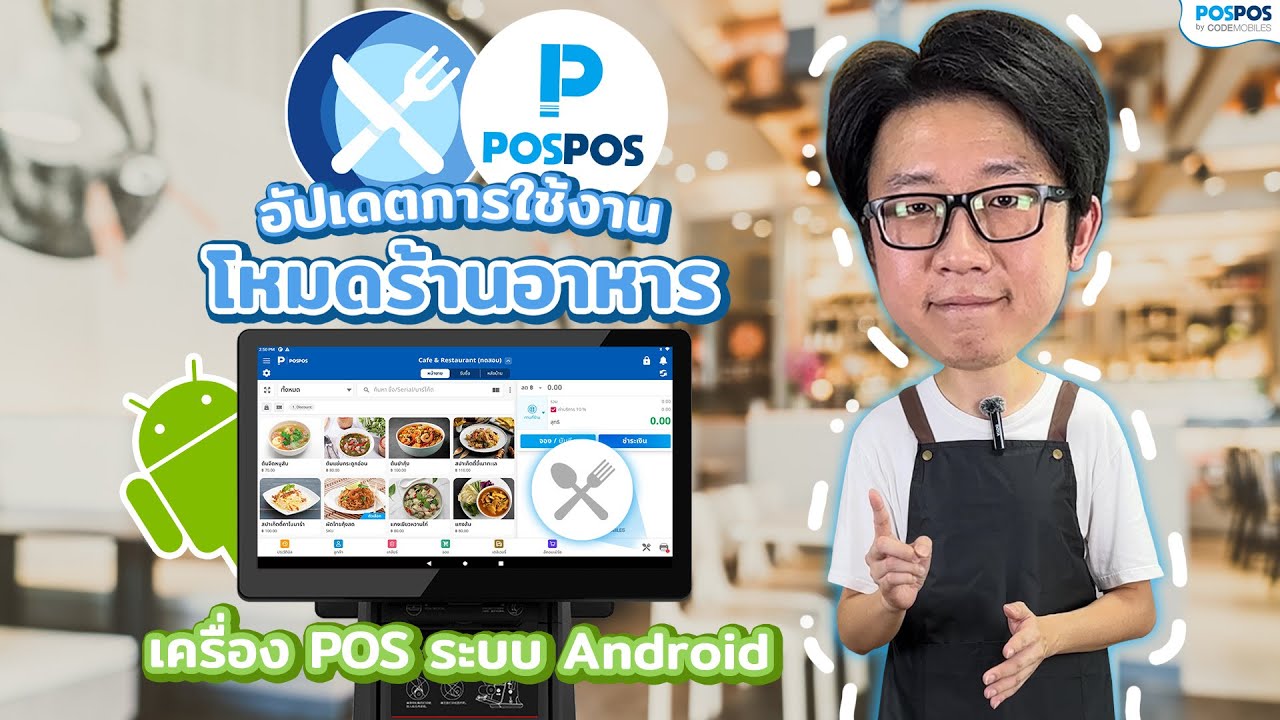
How to Use POSPOS Restaurant Mode on Android

Top Features of POSPOS Restaurant Mode for Android

Receive Orders via POS Machine or Tablet
Be able to receive orders from any Android device, such as a POS machine or tablet.
Table Management System
Be able to manage tables systematically, overseeing the overall restaurant operation. Eliminate difficult table management problems and address the needs of small restaurants.


Kitchen Printer
Orders from the dining room are automatically sent to a printer in the kitchen, reducing the need for employees to walk back and forth to deliver orders. This not only saves energy but also increases the speed of food service.
All-in-One Device

All-in-One Device


ไม่ Lock Spec
เครื่องรุ่นไหนก็ใช้ได้
เครื่องรุ่นไหนก็ใช้ได้

รองรับการออก
ใบกำกับภาษี e-Tax
ใบกำกับภาษี e-Tax

เชื่อมต่อ เครื่อง EDC,
QR Payment และเครื่องชั
QR Payment และเครื่องชั

รองรับหลากหลายธุรกิจ เช่น
ร้านอาหาร ร้านค้าปลีก สปา เป็นต้น
ร้านอาหาร ร้านค้าปลีก สปา เป็นต้น

ราคาประหยัด
ไม่ต้องลงทุนเยอะ
ไม่ต้องลงทุนเยอะ

ใช้งานง่าย
ครบจบในเครื่องเดียว
ครบจบในเครื่องเดียว

รองรับฟีเจอร์
สูตรอาหาร BOM
สูตรอาหาร BOM

Manual of POSPOS Restaurant Mode for Android